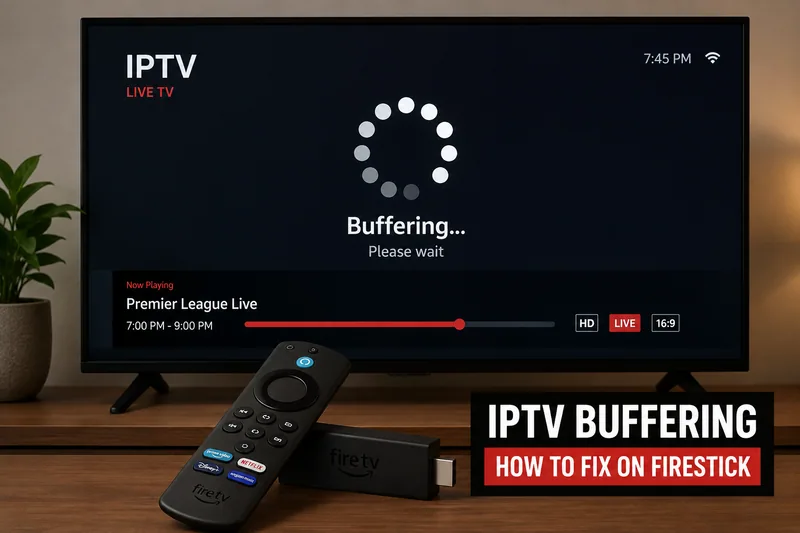
Buffering usually comes from a small group of causes: weak Wi-Fi, network congestion, app cache problems, low Firestick storage, overloaded playlists or issues with the stream source.
What to check first
Start with simple checks. Restart the Firestick and router, remove unused apps, clear the player cache and test whether the issue happens on every channel or only one category.
Practical Firestick advice
If buffering happens mostly at peak times, the problem may be outside your device. A stable provider and a strong home network are both needed for reliable playback.
Use IPTV apps and playlists only with sources you are authorised to access. A player app does not provide channels by itself.