Compatible setup
Use Fire TV Stick, Firestick 4K, 4K Max or Fire TV Cube with a stable internet connection and a supported IPTV player.
- Xtream Codes or M3U support
- EPG where supplied
- Simple Fire TV remote navigation
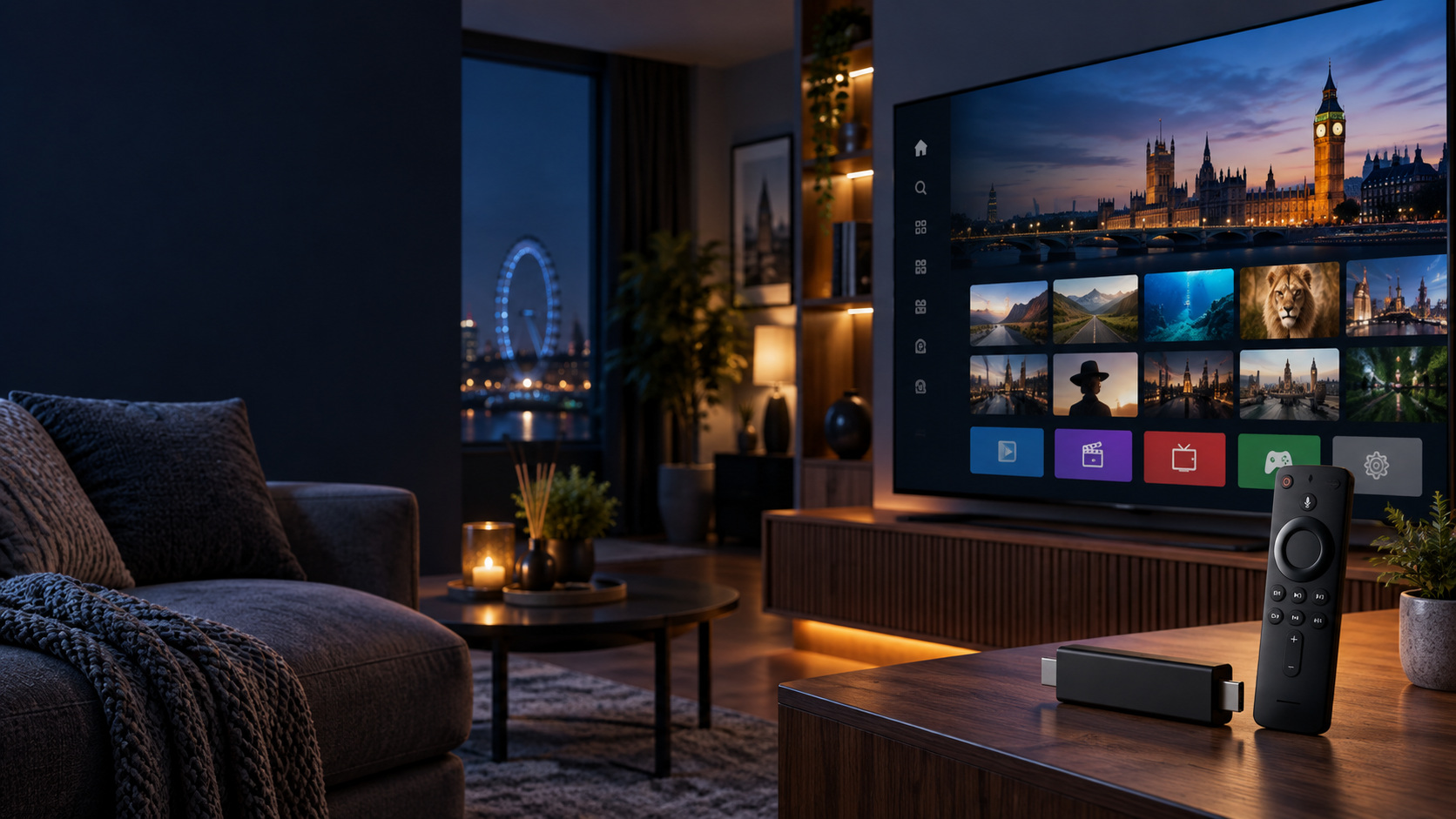
Set up a polished Fire TV streaming experience with UK-focused support, compatible IPTV player guidance, quick activation help, and subscription options for Firestick, Firestick 4K and Firestick 4K Max.
IPTV delivers television and on-demand content through an internet connection. A Firestick provides the Fire OS device and a compatible IPTV player organises your authorised playlist, EPG, live channels, movies and series.
Use Fire TV Stick, Firestick 4K, 4K Max or Fire TV Cube with a stable internet connection and a supported IPTV player.
Popular Firestick IPTV players include IPTV Smarters Pro, TiviMate, XCIPTV, IBO Player, Sparkle TV and OTT Navigator.
Use IPTV services and playlists only where you have the rights or permission to access the content. The player itself does not provide channels.
Choose the access period that fits your household. Each plan includes setup support, player guidance and compatibility help for Firestick and Android-based streaming devices.
Most installs follow the same path: prepare the Firestick, install the selected IPTV player, add valid account details, refresh EPG data and test playback before everyday use.
Connect to HDMI and power, complete Fire OS setup, connect to stable Wi-Fi and check available storage.
Select IPTV Smarters Pro, TiviMate, XCIPTV or another compatible app based on your login format.
Enter valid M3U or Xtream Codes information exactly as supplied by the authorised service.
Refresh programme information where supported so channel schedules and categories appear correctly.
Check player settings, video options, app cache and Firestick performance for smoother streaming.
Open several channels or VOD titles to confirm video, audio, categories and guide data load properly.
Newer Fire TV hardware usually feels more responsive, especially with large playlists, detailed EPG data and higher-resolution playback.
| Device | Best for | IPTV note |
|---|---|---|
| Fire TV Stick Lite | Basic HD viewing | Works for lightweight streaming and simple playlists. |
| Fire TV Stick HD | Everyday HD setup | Good for users who do not need 4K playback. |
| Fire TV Stick 4K | 4K televisions | Suitable for higher-resolution streams when source and internet support it. |
| Fire TV Stick 4K Max | Faster navigation | Best Firestick choice for large channel lists and smoother app performance. |
| Fire TV Cube | Premium home setup | Extra power and hands-free Alexa features for supported systems. |
The right app and routine maintenance can make a big difference. Keep Fire OS updated, clear app cache when needed, and use strong Wi-Fi or Ethernet where practical.
A familiar player for common account formats, playlists, EPG and multi-screen features where supported.
Compare AppsA TV-first interface known for strong channel organisation, guide browsing and playlist control.
Compare AppsCheck internet stability, device storage, app cache, player settings and whether the problem affects one stream or many.
Read FixesClear answers for Firestick 4K users comparing IPTV players, setup steps, subscriptions and common streaming issues.
Install a compatible IPTV player, then enter valid subscription or playlist details supplied by an authorised provider. The exact steps depend on the player you choose.
IPTV Smarters Pro, TiviMate, XCIPTV, IBO Player, Sparkle TV and OTT Navigator are popular options. The best choice depends on your login format and interface preference.
Yes, Firestick 4K and 4K Max can play compatible streams. Actual quality depends on the source, internet speed, player, television and device settings.
Common causes include incorrect account details, weak Wi-Fi, outdated apps, limited device storage, app cache issues or problems with the stream source.
Get help choosing a plan, confirming player compatibility and preparing your Firestick for a smooth setup.