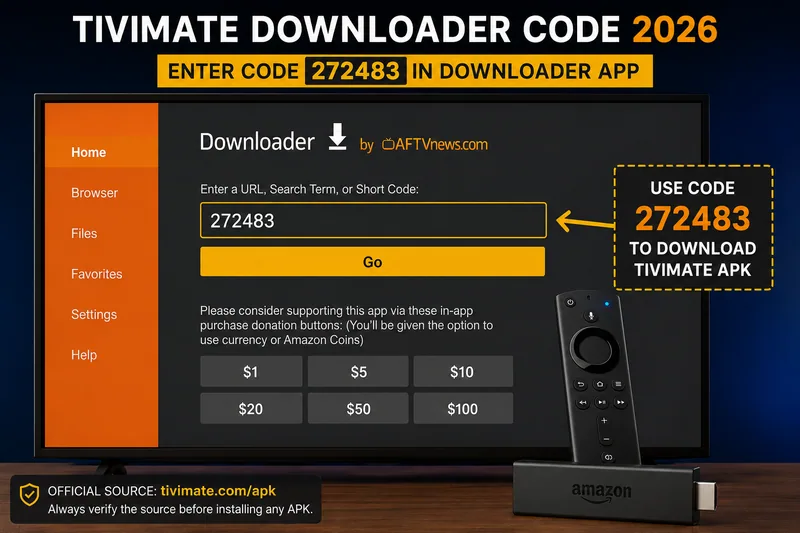
TiviMate is designed for a television-style programme guide and playlist management. It does not provide channels. Install only a genuine build associated with the listed developer, add an authorised playlist, and verify any Downloader destination instead of relying on a supposedly permanent code.
- Best for
- EPG-first navigation and multiple playlists
- Learning curve
- Higher than basic players
- Includes content
- No
- Reviewed
- 28 September 2026
Who should choose TiviMate
TiviMate suits viewers who want a traditional grid guide, favourites, playlist ordering and detailed channel management. It may be excessive for someone who opens only a few channels and wants the simplest login screen. The service still determines stream quality, content rights and guide data.
| Choose TiviMate when | Choose a simpler player when |
|---|---|
| You regularly browse an EPG grid | You use a short favourites list |
| You manage more than one authorised playlist | You have one basic account |
| You want detailed ordering and appearance controls | You do not want setup choices |
Install without trusting a number blindly
- Search the available Fire TV app catalogue for the exact app.
- Cross-check the developer identity using the official Google Play listing.
- If a verified external route is needed, inspect the full destination domain.
- Reject packages labelled cracked, unlocked or bundled with channels.
- Review install permissions and disable the external install route afterwards.
A Downloader code hides the URL behind a number. It is convenient, but convenience is not verification, and the destination may change.
Add the first playlist
Open the add-playlist flow and choose the method matching the authorised details you received. Give the playlist a recognisable name such as “Home test” rather than exposing a password in the label. Let channels and guide data complete their first processing before editing groups.
- Keep playlist and EPG URLs private.
- Use the exact server URL and case-sensitive credentials.
- Set the device time zone correctly before adjusting EPG offset.
- Test restart and refresh behaviour before adding another playlist.
Organise for fast everyday use
Start with favourites, then hide groups you never use. Reordering a few important categories is more maintainable than rewriting the whole playlist structure. Set the guide window and text size for reading distance, and keep a clear path back to the group list.
Premium app features versus service features
A paid player licence may unlock interface capabilities such as advanced management or additional screens. It does not add channels, improve the provider’s server capacity or grant distribution rights. Purchase player features because they improve navigation, not because a reseller implies they include content.
Troubleshoot methodically
| Issue | First action |
|---|---|
| Playlist will not process | Verify credentials and URL in the documented format |
| EPG blank | Confirm guide source, mapping and refresh completion |
| Times shifted | Correct device time zone, then one offset if required |
| Frequent buffering | Compare another app/source and test the network |
| App unstable | Restart, update, check storage and clear cache |
Frequently asked questions
Does TiviMate include an IPTV service?
No. It is a player and requires authorised playlist or account details.
Is a Downloader code permanent?
No. It resolves to a URL that may change. Confirm the current source and developer each time.
Why is my guide empty when channels work?
The playlist may not include usable EPG data, the mapping may differ or the guide refresh may have failed.
Should beginners use TiviMate?
They can, but a simpler player may be quicker if advanced guide and playlist controls are not needed.
Sources and further reading
This guide was reviewed against current developer, manufacturer and UK public guidance on 28 September 2026.