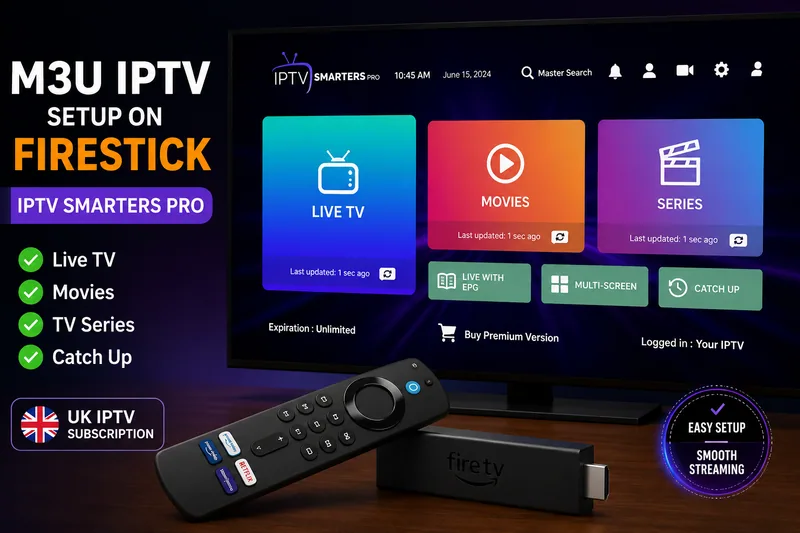
An M3U playlist is a text index of media locations and metadata. It is not a video format, app or subscription. Keep playlist URLs private because they may contain credentials, and load only playlists you are authorised to use into a compatible player.
- File types
- .m3u or UTF-8 .m3u8
- Contains
- Media URLs plus optional metadata
- Separate item
- EPG/XMLTV guide data
- Reviewed
- 28 September 2026
What an M3U playlist contains
An M3U file is plain text. In streaming use, it can list channels or HLS media variants. A basic entry may have an #EXTINF metadata line followed by a media URL. HLS extends the format with tags for segments, duration, encryption, quality variants and other playback instructions.
#EXTM3U
#EXTINF:-1 group-title="Example",Example channel
https://media.example.test/live/stream.m3u8
The example domain above is intentionally non-working. Do not paste a real private playlist into a public page or support screenshot.
M3U, M3U8, EPG and portal login
| Item | Purpose | Typical form |
|---|---|---|
| M3U/M3U8 | Lists media or stream variants | File or long URL |
| EPG/XMLTV | Supplies programme names and times | Separate XML or URL |
| Portal/API login | Lets a player request account data | Server, username and password |
| Player | Reads and displays the data | Fire TV or mobile app |
Add an authorised playlist on Firestick
- Install a player that explicitly supports M3U from a trusted source.
- Choose the player’s add-playlist or M3U option.
- Enter a short local name that does not expose credentials.
- Paste the complete URL exactly, including its beginning and parameters.
- Add the EPG URL separately when one is supplied.
- Allow the first import to complete, then test a small group.
- Create favourites and hide unused categories after playback is stable.
Why a playlist loads with no channels
- The URL was shortened, wrapped onto two lines or copied with a trailing space.
- The account expired or reached its permitted connection limit.
- The service uses a different login method rather than a direct M3U URL.
- The server is temporarily unavailable.
- The player cannot handle the list size or a required stream format.
Try the refresh once, verify the details privately with the authorised source and avoid repeatedly sharing the full URL.
Why channels work but the guide does not
Stream entries and guide records are matched using identifiers and names. If those values differ, the player may show a blank guide even though playback works. First check that the correct EPG source was entered and refreshed. Then confirm time zone and mapping before applying a manual offset.
Security and privacy
A playlist URL may embed a username, password or token. Anyone who receives it may be able to use the account, exhaust a connection limit or inspect viewing categories. Store it like a password, send it only through an agreed support route and ask the provider to rotate it if it was exposed.
M3U is not evidence of quality or rights
The format describes how locations are listed, not who owns the media or whether a server is reliable. The same technology supports legitimate internal streams, broadcaster workflows and unauthorised redistribution. Evaluate the source separately.
Frequently asked questions
What is the difference between M3U and M3U8?
M3U8 conventionally indicates UTF-8 text. HLS playlists commonly use the .m3u8 extension and defined tags.
Is an M3U URL the same as an EPG URL?
No. The playlist lists streams; programme data is often supplied separately in XMLTV or another guide format.
Can I open an M3U playlist in any video app?
Only software that supports the playlist and stream formats can use it correctly. Television navigation also needs player-specific organisation.
Why should I keep the URL private?
It may contain credentials or a token that gives access to the account and consumes its allowed connections.
Sources and further reading
This guide was reviewed against current developer, manufacturer and UK public guidance on 28 September 2026.