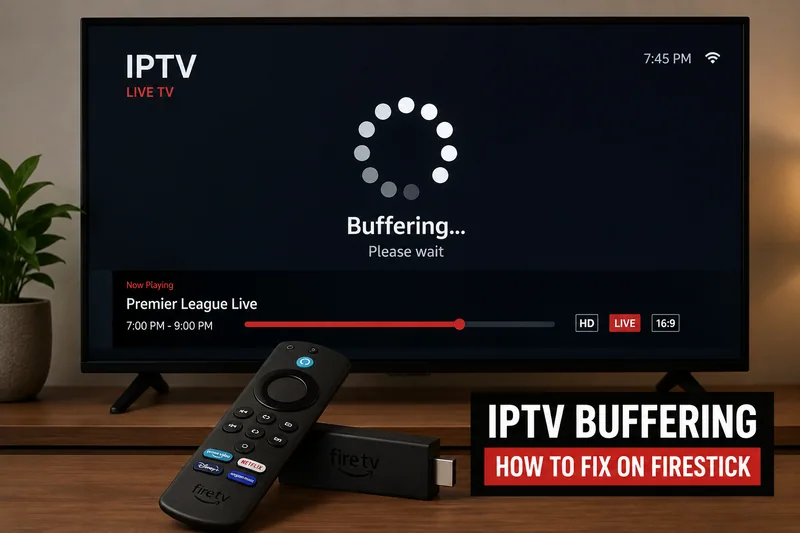
First discover the scope: one channel, one app, the whole Firestick or every device in the home. Then restart, test a known legal streaming app, check Wi-Fi, clear only the affected app cache and reduce stream quality temporarily. This identifies the failing layer instead of changing random settings.
- Best for
- Freezing, spinning and audio drop-outs
- First test
- Compare another app and another device
- Avoid first
- Factory reset and unverified “booster” apps
- Reviewed
- 28 September 2026
Diagnose the pattern in five minutes
| What you observe | Likely area | Next test |
|---|---|---|
| One channel buffers | Source stream | Try another channel in the same app |
| One player buffers | Player cache or settings | Try the same authorised account in another supported player |
| All Firestick apps buffer | Device or Wi-Fi | Test a phone beside the TV |
| Every home device slows | Router, line or congestion | Run a wired/router test and restart network equipment |
| Only evenings are bad | Household or upstream congestion | Compare morning and peak-time results |
Work through fixes in this order
- Change the channel. If only one source fails, device changes will not repair it.
- Restart the app and Fire TV. A proper restart clears stuck processes without deleting settings.
- Restart the router. Wait until the connection is fully restored before opening the player.
- Test a mainstream app. This separates a household network fault from a service-specific fault.
- Check Wi-Fi placement. Move obstructions and test 5 GHz near the router or Ethernet at a fixed TV.
- Clear the player cache. Use Settings → Applications → Manage Installed Applications → the app → Clear Cache.
- Lower quality once. If HD works but UHD does not, investigate available bandwidth and source bitrate.
Cache, data and storage are different
Clear cache removes temporary app files and is a reasonable early step. Clear data resets the app, removes local settings and normally signs you out; keep it for later. Low free storage can also prevent updates and make apps unstable, so remove games or downloads you no longer use.
Wi-Fi improvements that actually matter
A speed test beside the router does not represent a Firestick hidden behind a television. Test near the device. Televisions, cabinets and neighbouring networks can weaken the signal. A short HDMI extender can move the stick away from the back of the television; Ethernet can provide consistency where cabling is practical.
Ofcom suggests roughly 30 Mbit/s as a planning reference for one UHD stream, with more capacity needed when several people use the connection. Actual needs depend on the service bitrate and household activity.
Player settings: change one variable at a time
Start with the default decoder. If a specific format fails, compare the player’s alternative decoder or external-player option, then change it back if there is no improvement. Increasing buffer size can smooth brief network variation but also makes channel changes slower; it cannot rescue a consistently overloaded server.
- Record the original setting before changing it.
- Test the same channel for several minutes.
- Do not change decoder, buffer and VPN together.
- Keep the setting only when the improvement repeats.
When the issue is outside your home
If other apps work, Wi-Fi is strong and only a particular group fails at the same time each evening, collect evidence for the service: time, channel, player, device and whether another connection behaved differently. Clear observations are more useful to support than “it buffers”. If the service cannot explain repeated peak-time failures, a local reset is unlikely to solve them.
Frequently asked questions
Should I clear app data?
Only after cache and restart steps fail, and only when you have the legitimate login details needed to set the app up again.
Will a VPN stop buffering?
Sometimes a different route changes performance, but a VPN also adds encryption and distance. It is a diagnostic comparison, not a guaranteed fix.
Why does only live sport buffer?
Popular live events can create source or network congestion. Compare another legal live stream and report the exact event and time to the provider.
Is Ethernet always faster than Wi-Fi?
Not always, but it is often more consistent. Adapter limits and home cabling still affect the result.
Sources and further reading
This guide was reviewed against current manufacturer and UK public guidance on 28 September 2026.