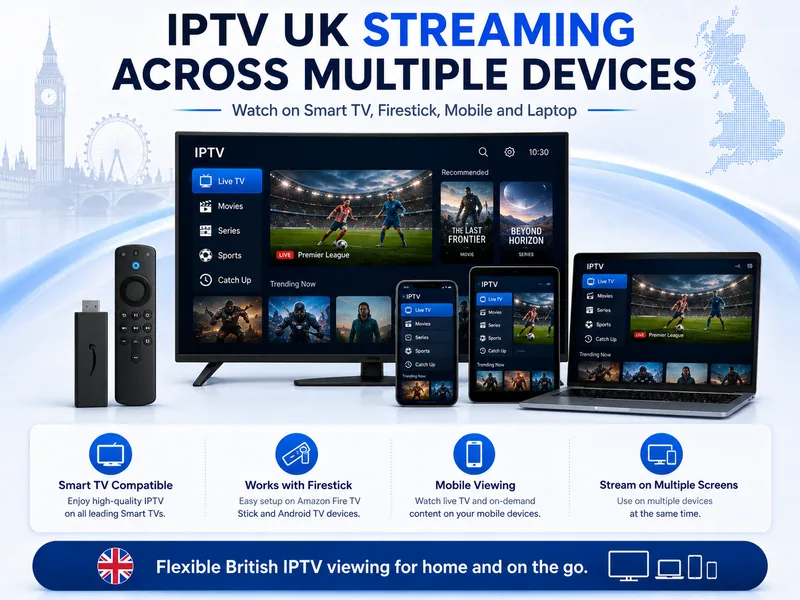
Traditional TV usually wins on predictable support, regulated billing and integrated recording. A legitimate internet TV service can win on flexibility and device choice. Compare the programmes you actually watch, total yearly cost and broadband dependence rather than headline channel counts.
- Best for
- Households comparing TV options
- Main decision
- Reliability versus flexibility
- Comparison period
- A full month of normal viewing
- Reviewed
- 28 September 2026
The meaningful differences
| Question | Traditional package | Legitimate internet TV |
|---|---|---|
| How it arrives | Aerial, satellite, cable or managed box | Broadband connection and compatible app |
| Device flexibility | Usually centred on the supplied box | Often available across TV, phone and tablet |
| Recording | Physical or cloud recording may be integrated | Catch-up and cloud features vary |
| Failure point | Signal, box or provider outage | Broadband, Wi-Fi, app and provider |
| Support | Usually one accountable company | May be split between device, app and service |
Start with a viewing audit
Write down what the household watched during the last two weeks: live sport, local news, children’s programmes, films, recordings and specialist channels. Then mark which items must be live and which could come from a separate on-demand app. This exposes whether an expensive bundle is essential or simply familiar.
Sports rights change by competition and season, so check current rights with the broadcaster or competition rather than trusting a generic package label.
Compare the complete yearly cost
Include the base plan, premium add-ons, second-room fees, installation, equipment, broadband upgrades and early-exit costs. For an internet service, include any paid player licence and the possibility that an older Firestick needs replacing. A low first-month price can be misleading if renewal terms are unclear.
Reliability has a different shape
A managed television package controls more of the path from broadcaster to screen. Internet TV depends on the provider, the public internet, the router, local Wi-Fi and the app. That flexibility is valuable, but it gives you more places to investigate when playback fails.
- Test during a major live event, not only with on-demand video.
- Try the main television and a second device.
- Check picture and audio sync after at least 30 minutes.
- Confirm how quickly support answers a real technical question.
A sensible hybrid option
Many UK homes do not need an all-or-nothing switch. Free-to-air television or a small mainstream package can cover dependable local channels, while authorised streaming apps add films or sport month by month. A hybrid approach can reduce lock-in and leave a working fallback if broadband is unavailable.
Decision rule
Choose traditional TV when predictable live viewing, simple support and integrated recording matter most. Choose legitimate internet TV when device flexibility and shorter commitments matter more and your broadband is dependable. Keep the service that performs best during your real routine, not the one with the longest feature list.
Frequently asked questions
Is IPTV always cheaper than satellite or cable?
No. Legal internet TV ranges from free catch-up apps to premium sports bundles. Compare the full annual cost and required broadband.
Will faster broadband guarantee perfect streaming?
No. It removes one constraint, but Wi-Fi, provider capacity, app stability and source quality still matter.
Can I keep Freeview as a backup?
Yes, where your television and aerial setup support it. A separate fallback is useful during broadband or app outages.
Should I cancel my current package before testing?
Usually not. Test the replacement through normal evening and weekend viewing and understand existing notice periods first.
Sources and further reading
This guide was reviewed against current manufacturer and UK public guidance on 28 September 2026.