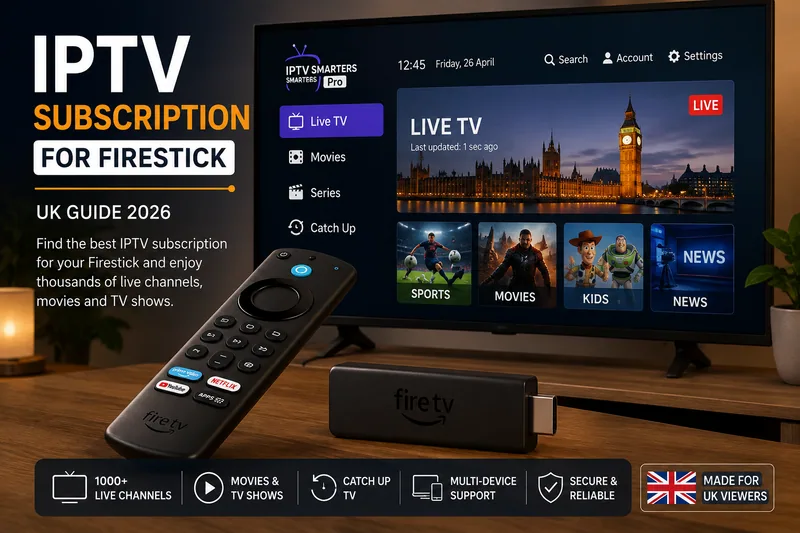
For Firestick, choose an authorised service that clearly supports your player and login format, supplies usable EPG data, states its simultaneous-stream limit and offers a short trial or monthly option. Test it on your exact Fire TV model before a long commitment.
- Search intent
- Technical Firestick compatibility
- Test window
- Peak evening plus a weekend event
- Most important
- Format, support and stream limit
- Reviewed
- 28 September 2026
Compatibility before content lists
Ask what the service actually gives you. A username and password may require a provider portal address. An M3U playlist may need a separate EPG URL. A branded app login may work only in that app. If support cannot name the format or compatible players, setup will be guesswork.
| Account format | What you receive | Check before paying |
|---|---|---|
| Provider app | Email/account login or activation | Fire TV availability and developer identity |
| Portal-style login | Server URL, username, password | Exact supported player and URL spelling |
| M3U | Long playlist URL | Separate EPG, privacy and refresh method |
| Device activation | Code or device identifier | Device replacement and reset process |
The Firestick trial checklist
- Install the intended player from a trusted route before the trial begins.
- Load the account on the exact Firestick and television you will use.
- Open favourite live channels during the busiest evening period.
- Check programme guide accuracy, not merely whether a guide appears.
- Test subtitles, audio tracks and on-demand seeking where relevant.
- Restart the player and confirm the account reconnects cleanly.
- Ask one support question and judge the usefulness of the answer.
Connections, devices and households
“Works on five devices” can mean five registered installations but only one active stream. Ask for both limits in writing. If two televisions often play at once, test exactly that. Some services also restrict account use to one household or network, which matters for travel and shared family setups.
EPG and library quality
A large channel list is not automatically useful. Search, sensible categories, accurate names and current programme data save more time than thousands of duplicates. For on-demand libraries, check whether seasons are ordered correctly, audio matches the label and artwork does not hide missing episodes.
- Favourite channels open in a reasonable time.
- Now/next information matches what is playing.
- UK categories are not buried among duplicates.
- Catch-up labels correspond to programmes that actually open.
Payment and trust checks
Look for an identifiable business, clear terms, privacy information and a support method that exists before payment. Be cautious with impossible content claims, lifetime plans, pressure tactics and payment methods that remove normal consumer protections. An attractive player interface says nothing about distribution rights.
A simple pass or fail score
Give one point each for: verified authorisation, Firestick compatibility, stable peak-time playback, accurate EPG, clear connection limits, useful support, understandable renewal terms and a privacy policy. Treat authorisation and payment transparency as mandatory rather than allowing a high feature score to cancel them out.
Frequently asked questions
Which player should the subscription support?
The one you can obtain safely and use comfortably. Confirm the exact login format before choosing Smarters, XCIPTV, TiviMate or another player.
Is a free trial always better?
A short trial is useful, but judge the business and rights as well as playback. Free access does not prove legitimacy.
How many connections do I need?
Count simultaneous viewing, not device installs. Two televisions playing together normally require two permitted streams.
Should I buy a year after one good evening?
No. Test different times, content types and restart behaviour, then prefer a short renewable term while trust is being established.
Sources and further reading
This guide was reviewed against current manufacturer and UK public guidance on 28 September 2026.