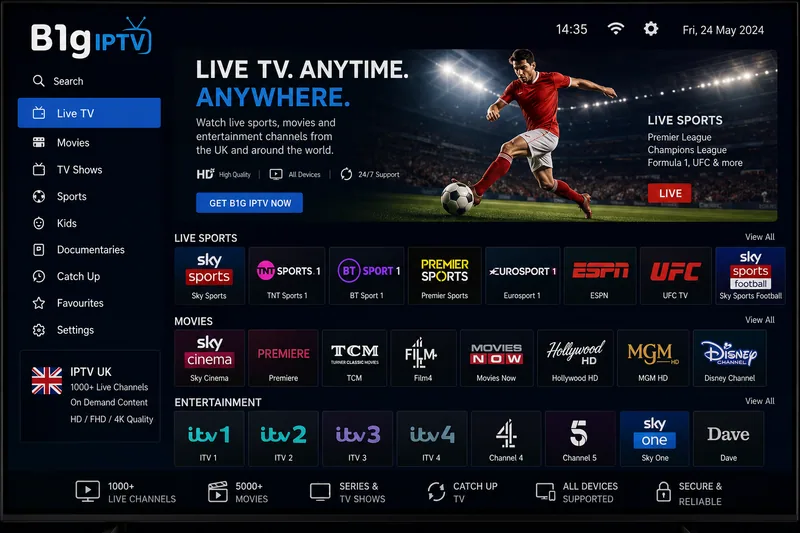
B1G Player is a viewing application, not a channel package. If a seller uses “B1G IPTV” to describe a subscription, separate the player licence from the content service and verify each independently before entering credentials or paying.
- Main distinction
- Player app versus content service
- Do not assume
- An activation code includes channels
- Best first step
- Identify the exact app developer and account format
- Reviewed
- 28 September 2026
Three products can share one name
A search for B1G may lead to a player, a reseller-branded version of a player or a separate service promoted for use with it. The player displays a service account. A player activation may unlock interface features, but it does not automatically buy television rights or a channel package.
| Item | Purpose | Question to ask |
|---|---|---|
| Player download | Installs the viewing interface | Who is the developer and where is the official source? |
| Player activation | Unlocks player features | Is the licence tied to one device? |
| Service account | Supplies authorised streams | Who provides the content and under what terms? |
Before installing on Firestick
- Confirm the exact app name and developer.
- Search the Amazon Appstore before using any download shortcut.
- If an external route is necessary, verify the final domain and file source.
- Read the permissions shown by Fire TV and stop if they do not fit a media player.
- Open the app before buying service access so you can see which login methods it supports.
Understand the activation screen
Some television players display a device identifier and activation page. Treat that identifier as account information and enter it only on a verified official page. A reseller asking for the identifier may be able to associate an account with your device, so understand who will retain it and how it can be removed.
Evaluate a service separately
Do not let the polish of the player decide whether a service is trustworthy. Check distribution rights, company details, renewal and refund terms, support, simultaneous streams and privacy. Test only content you are authorised to access and avoid long commitments while reliability and support are unproven.
Common points of confusion
- “Activated” but empty: the player licence may be active while no service account has been added.
- Wrong credentials: player activation details and content-service details may be different.
- New Firestick: a device-tied player licence may not transfer automatically.
- No EPG: guide data comes from the service or a separate source, not from the player name.
Frequently asked questions
Does B1G Player include channels?
Treat it as a player unless the seller clearly documents a separate authorised service. Player activation alone should not be assumed to include content.
Is an activation code the same as a Downloader code?
No. A player activation code can link a device or licence; a Downloader code is only a shortcut to a URL.
Can I move the player to a new Firestick?
That depends on the player licence rules. Check the official account or support route before resetting the old device.
What should I do if the app name looks similar but the developer differs?
Stop and verify the official developer source. Similar names and logos are not proof that two apps are the same.
Sources and further reading
This guide was reviewed against current manufacturer and UK public guidance on 28 September 2026.